Multi-user games (MU*s) are unique in that they offer a wide variety of gaming experiences — all delivered through the medium of text. Because of that, they’re generally more accessible to players who use screen readers than video games.
Today’s interview features someone who has been part of the MU* world, and using a screen reader, for years: Brandon Cross.
(You may remember him from his essay on simulation vs storytelling in roleplaying games.)
Below, Brandon talks about what’s working, where he still encounters friction, and the importance of choice in sounds. He also provides a basic checklist game admins can use to make sure their games are more accessible.
I learned a lot from this interview, and I hope you will, too!
Meet Brandon: hunter, bowler, and sound tinkerer
Brandon lives in the northeastern United States. When he’s not logged into a MU*, he might be hunting, fishing, bowling, gaming, or following motorsports. He also enjoys sound design – something he touches on later in the interview.
He’s been part of the MU* niche for years. Not just as a player, but as someone who builds, codes, and experiments. When the topic of accessibility comes up, he often chimes in with his own take or suggestions. (You can spot him by his usual handle: bscross.)
Brandon was born with a significant visual impairment that was expected to remain stable but didn’t. Today, he describes himself as functionally blind.
I’ve been acquainted with him since 2023, when I reached out to ask him for his two cents on Mudlet’s major accessibility updates. Since then, we’ve chatted off and on about MU* games, accessibility, and software tech.
Brandon’s introduction to MU*s
Although he couldn’t say for certain what his very first MU* was, Brandon did recall that one of the earliest was HellMOO, which ran from 2003 to 2022.
The game was notorious for its violent, post-apocalyptic setting, but it also became known for being accommodating toward screen reader users.
“I thoroughly enjoyed the debauchery that was part of the everyday experience there,” said Brandon.
(That comment surprised me. He always sounds so serious in our convos – I didn’t realize he had a mischievous side. 😂)
From HellMOO, he found his way into MUSHes, and while he’s not fond of their syntax and command structure, he does enjoy roleplay.
The bigger reason he stayed, though, was practical: text-based games just tend to work better with screen readers than most graphical games.
“With text-based media, the barrier to entry is slightly lower,” he said.
Accessibility in MU*s today
When it comes to accessibility, Brandon was quick to say that things have improved.
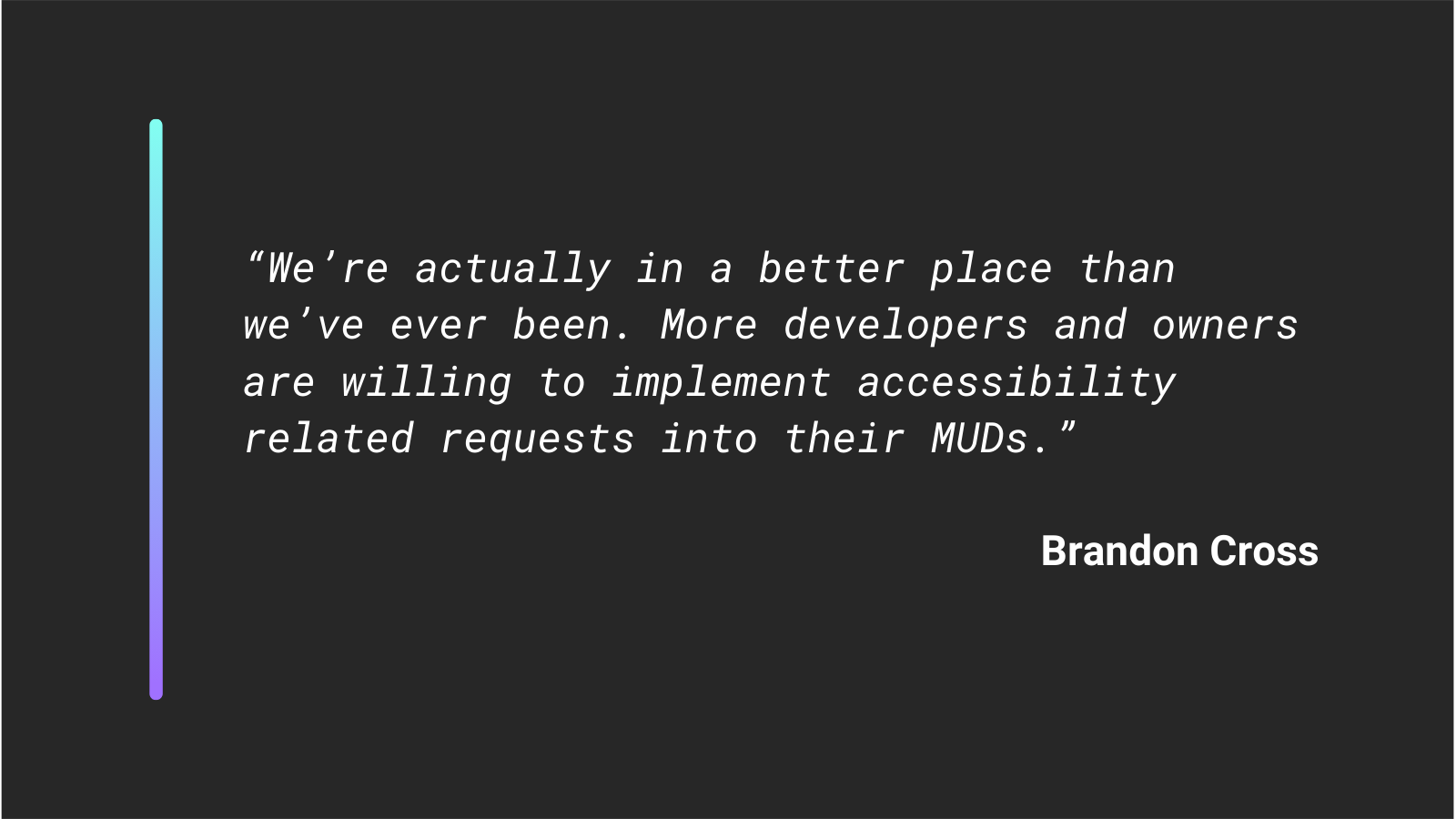
“We’re actually in a better place than we’ve ever been,” he told me. “More developers and game owners are willing to listen and implement accessibility-related requests.”
At the same time, he’s watching some newer trends with concern – especially the push toward custom clients and web-based clients:
“I don’t believe web clients will ever be suitable for screen reader users. I’ve also never encountered a custom client that works well with screen readers.”
Now, if you just did a figurative double-take, I wouldn’t blame you.
Web accessibility has been a thing for a long time now, so why wouldn’t a web client built with accessibility in mind be suitable for screen reader use?
On the surface, it just doesn’t make sense.
The difficulties with web clients
To understand why Brandon doesn’t put much faith in web clients, it helps to first understand how screen readers interact with web browsers.
Because it’s not the same as interacting with a desktop program.
When Brandon visits a web page, he doesn’t just let the screen reader read the page from top to bottom. It certiainly could, but that’s not very practical. Doing so would cause it to speak everything from the nav menu to sidebar adverts to footer content.
“I certainly don’t let [screen readers] do this, and I don’t think a lot of other people do either,” he said.
Instead, he tells the reader to actively intercept keystrokes so he can navigate by element. This lets him jump between links, lists, buttons, form fields, headings, and so on. That’s how he’s able to efficiently browse the web without sight.
And for that to work, the screen reader has “modes.”
If you want to type into an input field, you typically have to switch into an input or “focus” mode. If you want to hear text read aloud, you have to leave the input mode. Each screen reader has its own labels for these modes, but the basic process is the same: you move in and out of modes as you browse.
On a normal webpage, that’s okay. You’re free to go at your own pace.
But on a MUD? Especially one with fast-paced combat or large roleplaying scenes?
Suddenly, what was designed to be convenient instead creates a lot of friction.
In order to type commands and send them to the game in your browser, you have to enter the input mode, which interrupts the speech output.
This means that if speech is running and something important happens, you either have to stop the speech – and miss information – or let it finish and react late. If you do decide to stop it, going back to find what you missed will take time.
“Sighted players don’t have to think about any of this,” said Brandon. They can see the command line and the output at the same time.
He also pointed out that speed matters more than most people realize.
Imagine being in a busy scene and having to stop the incoming speech so you can type up and send your own emote. And then having to navigate back through the buffer to see what you missed, all while new information is flooding in…
I don’t know about you, but that doesn’t sound like a good time to me.
It’s no wonder Brandon isn’t too keen on web clients, even after devs pour hours of effort into following best web accessibility practices. Despite their best intentions, screen readers just weren’t designed for MU* games in the browser.
To sum up the issue: web clients are problematic because screen readers treat them like any other web page – instead of the interactive terminals they’re meant to emulate.
The advantages of traditional desktop clients
Desktop clients like MUSHclient and Mudlet don’t have that tricky problem of being treated like a web page. But even beyond that, they offer more freedom than your typical web client.
With conveniences like plugins and hotkeys, Brandon can access and send information quickly without ever having to leave the command line.
In fact, you can find some of his plugins on the Mudlet website. Each one is designed for convenience and speed:
- Quick Output – allows you to read the 10 most recent lines from the game using a keystroke
- Channel History – saves incoming channel text so lines can be read on demand
- auto_retype – resends your last command when you hit enter (Brandon auto-clears the command line on enter because otherwise the screen reader will both announce the input and whether it is selected or not, which slows down the speech he actually cares about)
“What can be done with web clients is suitably impressive,” said Brandon. “But the lack of customizability, hotkeys, and the time it takes to hop from the command line to the output are all issues that are show stoppers for me.”
Again, it’s not that devs aren’t making an effort to make their web clients accessible – or that the effort isn’t appreciated. It is.
Rather, for Brandon, the problem is that there’s still too much friction to make it worth switching from a traditional desktop client.
Small changes that make a big difference
When I asked Brandon for the top things that game admins should do to create a more accessible experience, here’s what he had to say:
First: “Every MUD should have an accessibility or screen reader mode.”
This means configuring output to reduce ASCII clutter, presenting information cleanly, and avoiding formatting that looks nice visually but reads poorly when spoken aloud.
Modern MU* engines like Evennia are nice because they already have a screen reader mode built-in.
If you’re working with an older codebase that doesn’t, I recommend checking out this interview with Niamh. It’s got several good examples of how to make game output screen reader-friendly. 👍
Second: avoid displaying complex tables that span multiple rows and columns.
While screen readers can easily navigate a table on a web page due to the table’s HTML markup, they don’t have that ability in the terminal. So by default, they will read from left to right, line by line. Multiple columns can quickly become confusing, since the screen reader will read across columns.
Likewise, lists spanning multiple columns can be problematic, especially if the list is ordered and meant to be read top-to-bottom per column.
Here’s a common example:
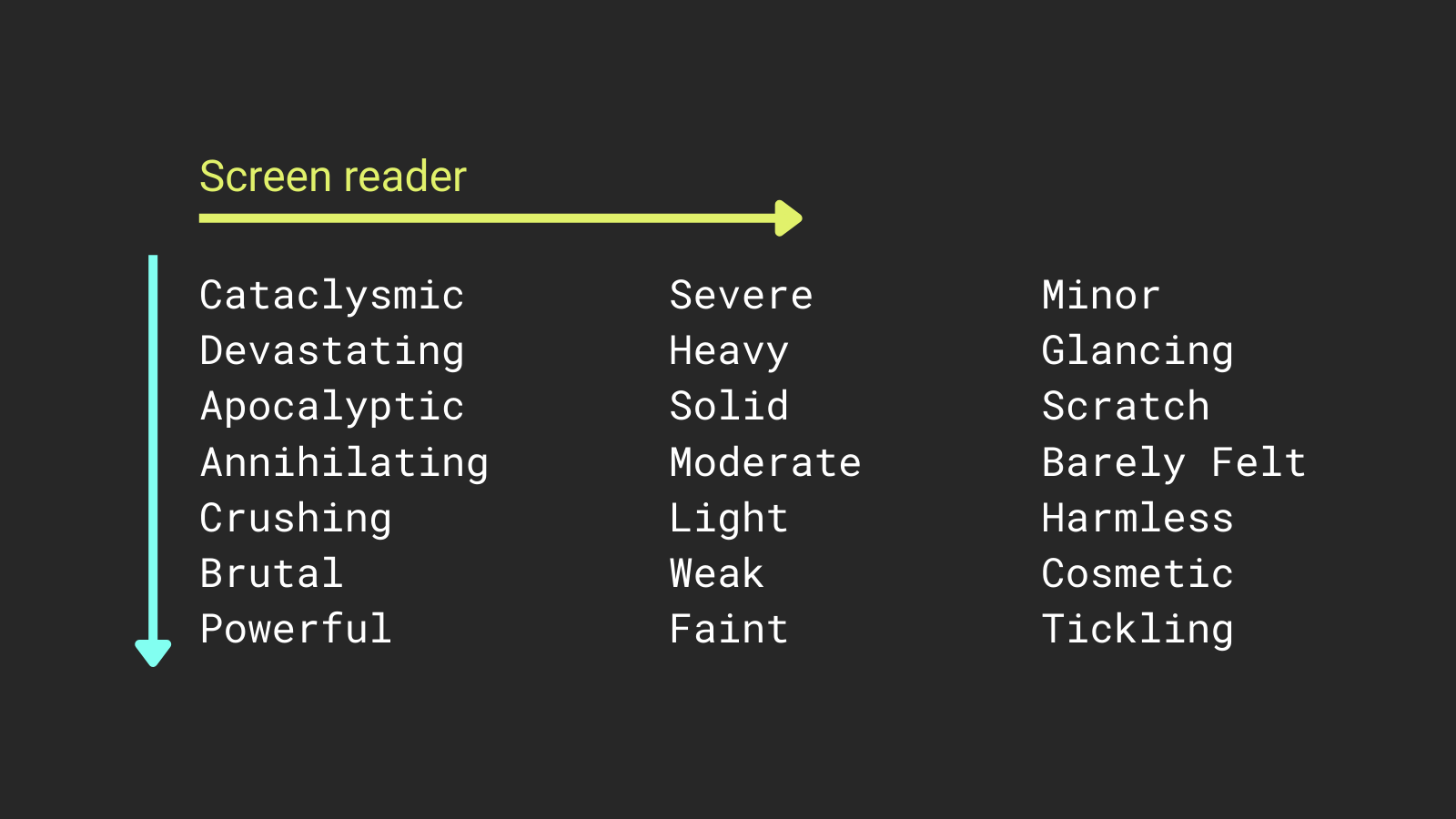
“Ideally, lists should be one line per item unless the goal is to build a sentence,” said Brandon. “While this takes up screen real estate for sighted players, and can often scroll off the screen, for VI players, it’s not an issue.”
If you don’t have a screen reader installed but want to do a quick test of your tabular content, here’s a trick: copy-paste your table text into something like TTSReader, close your eyes, and listen to it being read aloud.
If you were a new player, would you be able to easily find the information you need?
You can also test your content with a screen reader. For example, NVDA on Windows is free and can be set up in a few minutes.
Sound, accessibility, and choice
When it comes to sound, Brandon has some pretty strong opinions, and he knows it.
“If a MUD owner wants to add sound, it should be done for the richness of the environment, e.g. to increase immersion, and not for accessibility,” he said.
“In my experience, most sighted people don’t care about sound, so when it comes time to make a soundpack, they’ll likely dig up whatever seems to fit the bill. The trouble is, they don’t know what we want and what we need.”
A long sound can mask important spoken output.
A low-quality sound with artifacts or distortion becomes grating fast.
And if it triggers constantly, even a good sound can become irritating.
“If I have to hear a sound hundreds of times per session, it better be short, unobtrusive, and of at least decent quality,” said Brandon.
In order to keep up with large amounts of text, a screen reader has to speed up its output significantly. Want to know what it sounds like? Here’s a real-life example from a MU*.
He took it a step further with an analogy:
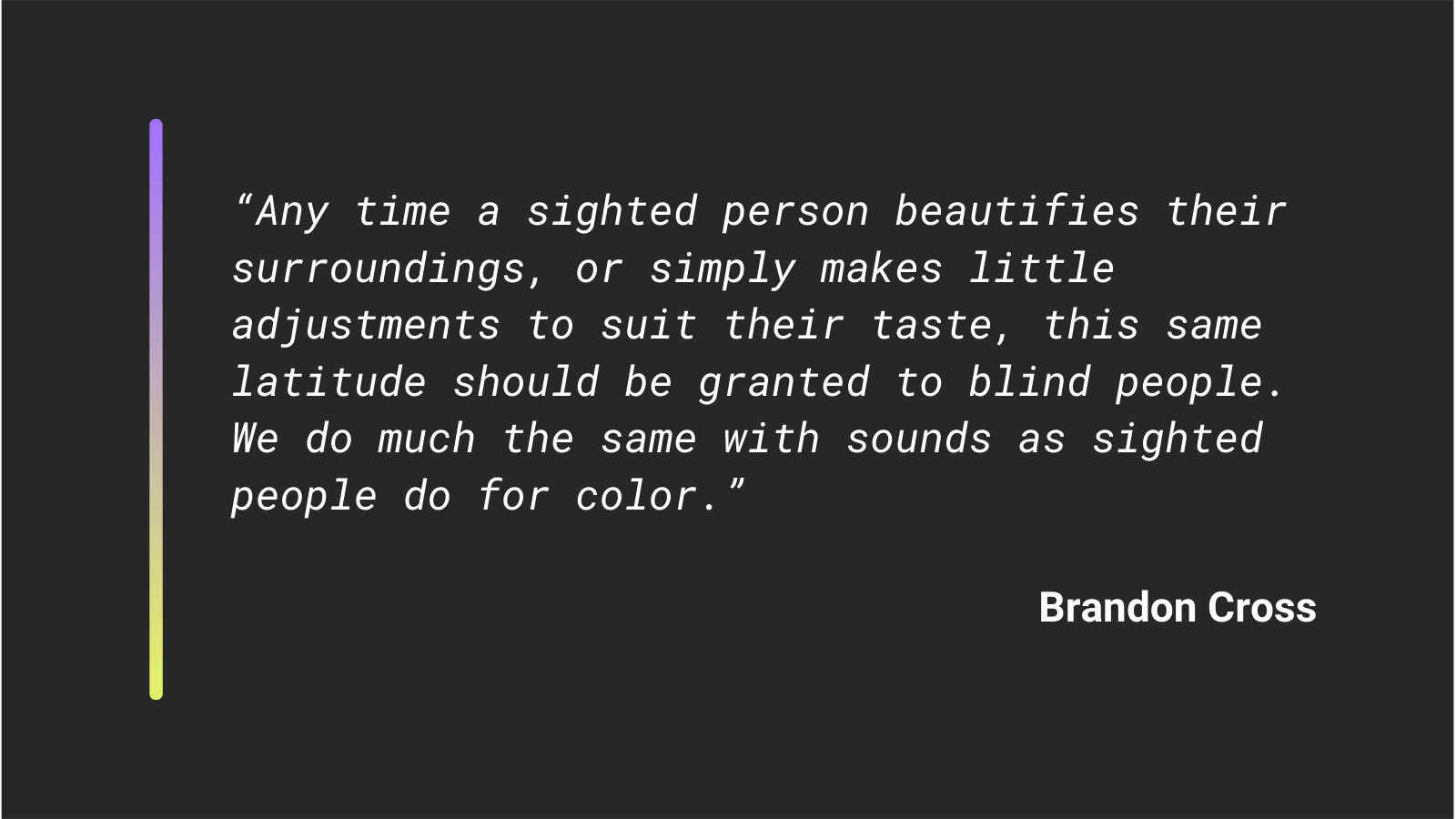
Sighted people naturally adjust the aesthetic of their environment to suit their taste, both in the physical world and in the digital one. Given the option, they’ll reorganize their windows, change the colors, choose their preferred font, and so on.
So why shouldn’t he be able to do the same with sound?
“Allow us to set up accessibility related sounds as we would naturally… allow the accessibility portion of the soundpack to be turned off so we can set our own sounds up as we please,” he said.
Brandon wants the same control and freedom of choice that sighted players have – just with audio instead of visuals.
That seems like a perfectly fair ask to me, but I might temper his advice for game owners just a bit:
Instead of giving up on the idea of making an accessibility soundpack altogether, I’d suggest working with players to create a starter pack that is much closer to what they need – and can be customized from there.
This gives game admins a chance to better understand (and help fulfill) players’ needs while at the same time empowering them with the freedom to choose.
Importantly, it opens a door to constructive communication and feedback… instead of keeping it closed.
Lessons learned: pick your battles
Speaking of doors, when I asked Brandon to share some lessons learned as a member of the VI community, he answered in a way I didn’t expect.
He’s one of the most technical people I know, so maybe I was expecting advice about MUD clients or software tools.
Instead, he pointed to a lesson he received while listening to a song by Ren, a Welsh singer-songwriter.
In 2023, Ren released a track called “Hi Ren,” in which he speaks up about his struggles with being misdiagnosed for a decade.
The track really resonated with Brandon:
“As a young, disabled person, it’s easy to be idealistic and to be angry at the injustices of the world. It’s easy to discount your own milestones and focus on the hurdles you’ve had to overcome in order to accomplish your goals.”
That anger can be useful, he said. It can be channeled. It can be fuel for the motivation you need to get things done.
But it comes at a price.
That same anger can be off-putting. It can make you seem entitled or combative, even when your frustration is justified.
“I’m not saying put the anger away and simply take what you’re given, but I am saying pick your battles and show that side of yourself only when absolutely necessary,” said Brandon. “Consider it the nuclear option, only to be used when all else fails.”
If you instead lead with respect and patience most of the time, you build relationships. You make connections.
And sometimes, those connections are what actually open doors and bring about positive change.
He paraphrased Ren’s message this way:
“Life’s a dance, and when you resist the dance because things don’t go your way, you only make it harder on yourself. That creates a negative feedback, causing you to resist even more. But if you can find it within yourself to relax, to go with the flow, to soften just a bit, you’ll find that things get easier.”
The present and future of MU*s
Switching gears back to the niche, Brandon shared his thoughts on the future of MU*s: that they aren’t in any danger of disappearing.
“There will always be MUDders,” he said. People who are drawn to text-based spaces.
But there’s also been a lot of interest in modern technology lately – including modern web clients.
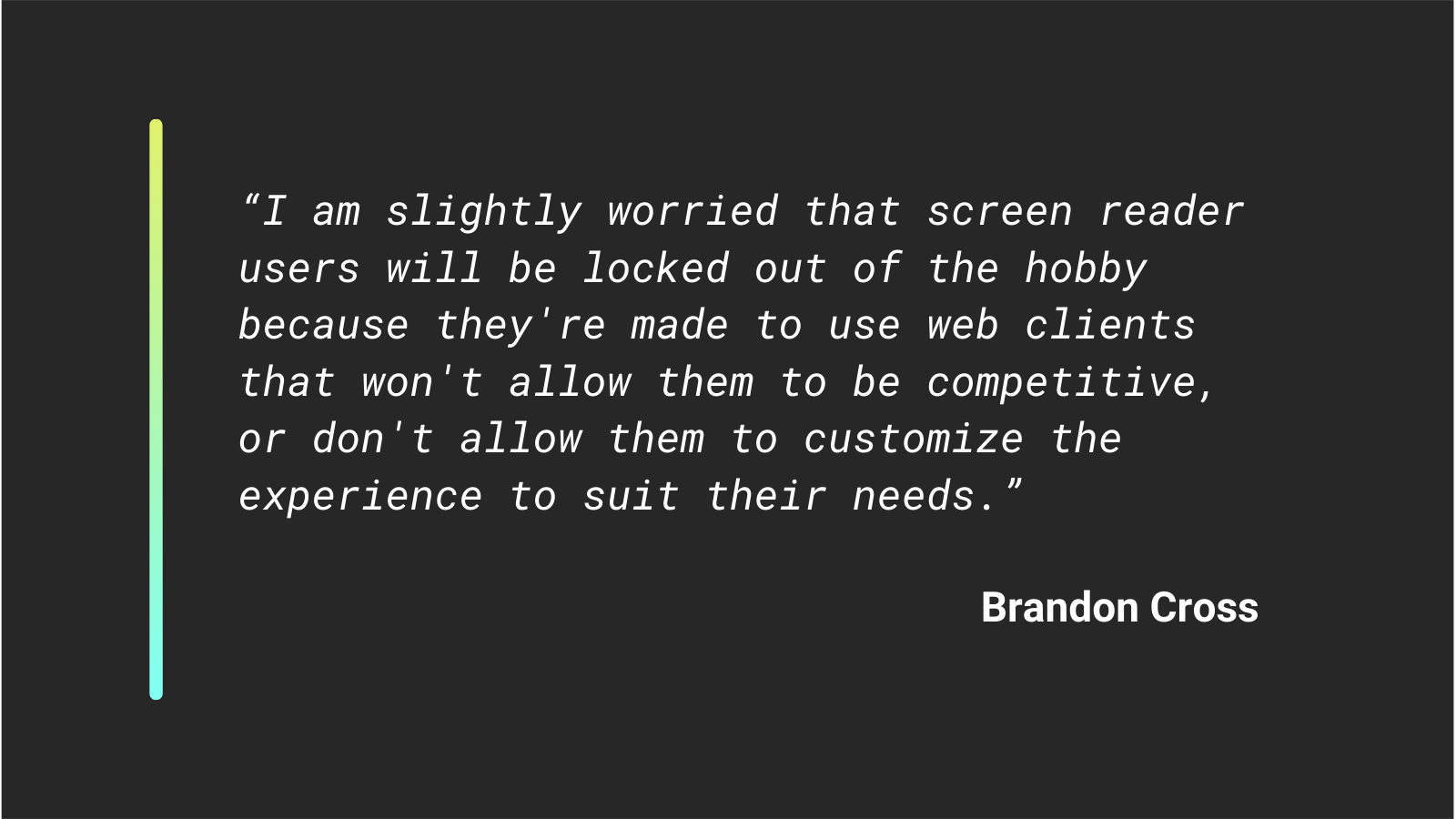
“I don’t think that’s a bad thing, but I am slightly worried that screen reader users will be locked out of the hobby because they’re made to use web clients that won’t allow them to be competitive, or don’t allow them to customize the experience to suit their needs.”
After learning about the limitations of web clients when using a screen reader, I can understand Brandon’s concern.
For now, at least, there are still a lot of people in the hobby who are pretty diehard about having a Telnet port, so I don’t think the niche is any immediate danger of a sea change.
But it does seem like the Telnet-or-not debate has been surfacing more often these past few years. It’s not totally uncommon to see folks questioning whether Telnet is even necessary.
Perhaps if they knew about the limitations of web clients for screen reader users, they would rethink the debate?
Making use of newer technologies
When it comes to newer tech, one project Brandon has been happy to explore lately is mooR, a Rust-based MOO server.
“It’s got a custom core that allows use of modern features, such as rendering HTML content, as well as Djot, which provides a nice experience,” he said.
“Integrated room descriptions allow for inline links that send commands back to the server as if you’re the one that typed them. For example, in the hotel pool room, there’s a diving board that can be used all via links.”
Older systems like MXP also support clickable links, but in practice, those links haven’t always been accessible to screen readers, said Brandon.
In that way, mooR seems promising: interactive elements are being implemented to work well with assistive tech.
He’s also keeping an eye on Ansalon (ansalon [dot] net). The developer there has shown a genuine interest in accessibility, which Brandon appreciates. He looks forward to a day when the in-game quest maps are fully screen reader-friendly, too.
Games that get it right
People often want recommendations, so I asked Brandon to share some games that have stood out to him for handling accessibility well.
“Erion is probably at the top of the list. They have features that suit just about anyone’s needs, including walking to specific places with one command,” he said.
Erion MUD is a medieval fantasy game with lots of races and classes to choose from and plenty to do, including hunting, fishing, crafting, and brewing potions.
When I checked the website, I immediately found a “Blind Support” link in the left-side nav menu. 👍
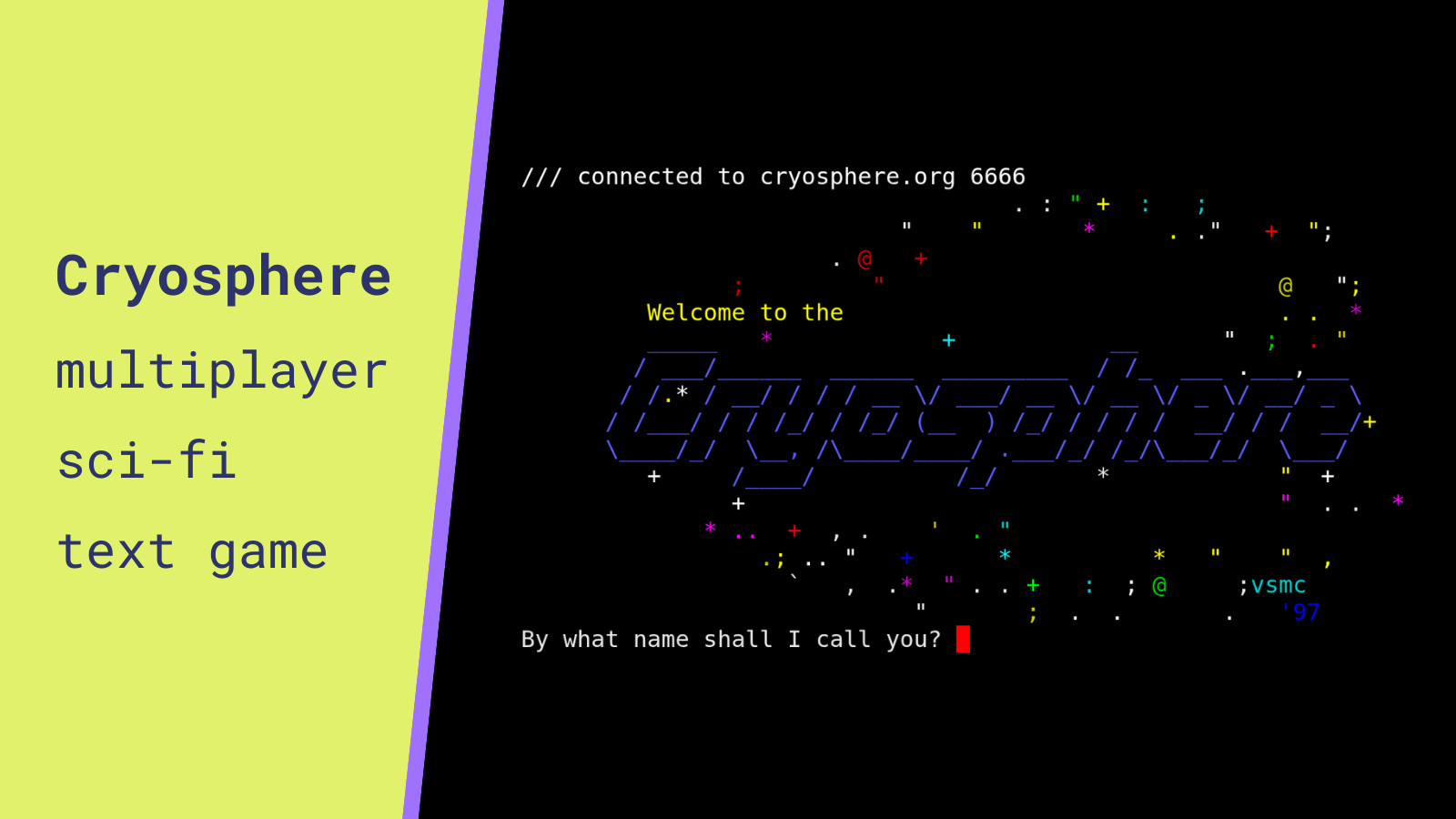
Brandon also pointed to CoreMUD, a long-running sci-fi game.
Although the game is less active these days, it has a unique setting and gameplay: you start as a miner on a planet called Hermes 571-G, where you work for a soulless corp known simply as The Company. Skills include everything from mining and computers to gambling and weapons.
The game offers a screen reader mode (enabled with setenv screenreader on) and has undergone numerous updates to make it screen reader-friendly.
Acknowledging the people behind the progress
When I asked if there was anyone he wanted to thank, Brandon named both individuals and communities important to him.
At the top of his list is someone who goes by the handle Centauri.
“Were it not for them putting up with me breaking everything, then promoting me to builder, then coder, then wizard on their MOO, and teaching me everything along the way, I wouldn’t have been able to do half the things I have to date,” he said.
He also wanted to acknowledge Grey from CoreMUD, who made a lot of important quality-of-life changes for screen reader users.
“I wasn’t around from the beginning like some other players, but Grey was always dedicated to accessibility. Some of the last things he did before he passed away was make sure the card game he invented for the MUD was accessible, and added pathfinding to help miners find their apartments,” recalled Brandon.
He also pointed to the Mudlet community, especially the dev team, for implementing accessibility features into the client.
And last but not least, Brandon thanked the Evennia community for being consistently helpful and welcoming.
A big, warm shout out to Brandon for sharing his advice and experiences – and for walking me through the issues with web clients. Like I said in the intro, I sure learned a lot!
If you’d like to follow what Brandon’s up to, you can find him on Reddit (u/bscross32), as well as on GitHub. Wishing him all the best on his current and future adventures!

Leave a Comment